今天客户说不能改IP地址,过去一看,这个"确定"按钮是灰色的,改了IP之后还是灰色的.把网卡卸载了还是一样.想起了以前用CMD改过IP,但是现在全部忘记了,于是上网查了一下,把过程写下来,也算当个备忘吧.
相关文章

中国人使用最多的十大路由器品牌,TP-LINK、华为、小米、水星路由器上榜
在互联网大行其道的今天,路由器就如同家庭中的心脏一般,维系着无数个数字生活的脉搏。...
2024-09-12 21:43:21 浏览: 56
普通用户装光纤宽带,能不折腾就别折腾,尤其是“老破小”
(文\ iN在 )这是一个粉丝的问题,今天有点时间咱们来聊一下。 一般的来说,iN自己家的网络...
2023-01-28 19:43:36 浏览: 142
- -
-
- 半年热点
-

tplogin.cn手机登录官网首页
浏览: 164

tplogincn用户名和密码是什么?
浏览: 156

【图文教程】tplogin.cn手机登录设置教程
浏览: 135
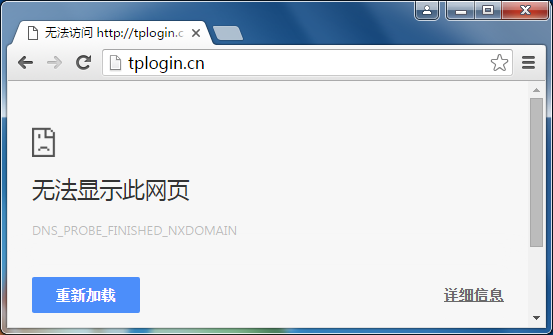
遇到无法登录tplogin.cn的情况,怎么办?
浏览: 119
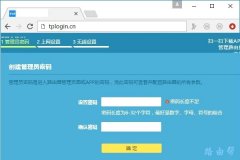
tplogin.cn登录入口首页
浏览: 109

手机无法登录tplogin.cn,怎么办?
浏览: 103
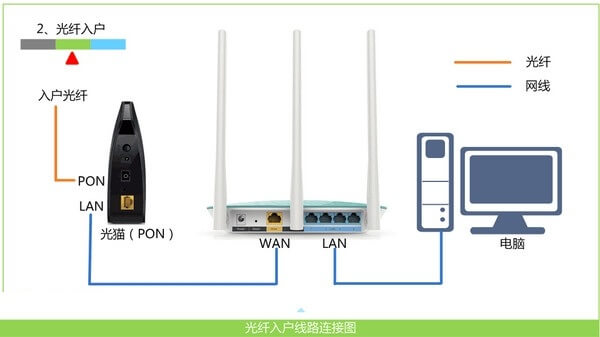
tplogin.cn修改wifi密码
浏览: 60
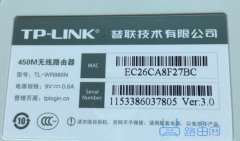
tplogin.cn登录入口怎么进去
浏览: 0